Online Medical Booking System
Helping patients in Slovakia find and book doctors. Faster, clearer, online.
UX Research · UI Design · Team Project · 2024
UX/UI Case Study
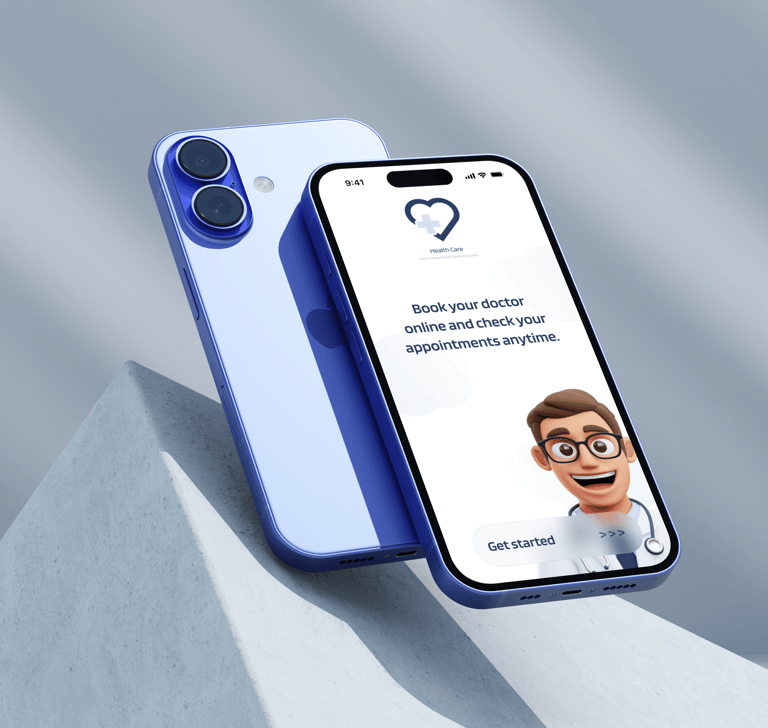
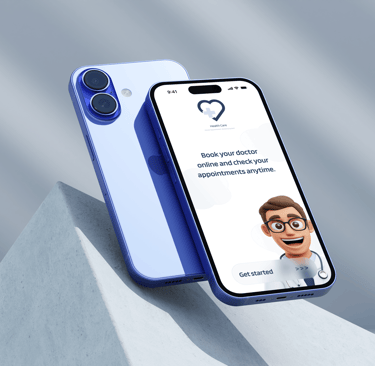
Online Medical Booking System
Helping patients in Slovakia find and book doctors. Faster, clearer, online.
UX Research · UX/UI Design · Team Project · 2024 · UX/UI Case Study
Context
A team project from the SUXA UX/UI course. After completing the research and UX process as a team, I redesigned the UI independently. The original lacked visual consistency and a clear design language.
Context
A team project from the SUXA UX/UI course.
After completing the research and UX process as a team, I redesigned the UI independently. The original lacked visual consistency and a clear design language.
Problem
Patients in Slovakia rely on phone calls and outdated websites to find and book doctors. The information is scattered, availability is unclear, and the process is slow and frustrating.
Problem
Patients in Slovakia rely on phone calls and outdated websites to find and book doctors. The information is scattered, availability is unclear, and the process is slow and frustrating.
Goal
Design a mobile app that makes finding and booking a doctor in Slovakia fast, clear, and fully online.
Secondary goals:
Filter doctors by name, location and specialization
Show real-time availability
Send automated appointment reminders
Allow patients to manage and cancel bookings online
Goal
Design a mobile app that makes finding and booking a doctor in Slovakia fast, clear, and fully online.
Secondary goals:
Filter doctors by name, location and specialization
Show real-time availability
Send automated appointment reminders
Allow patients to manage and cancel bookings online
Process

Process


Research
We explored how patients in Slovakia find and book doctors through user interviews and workshops. Most rely on phone calls or multiple websites with outdated information.
Methods:
Desk research and content inventory
User interviews (3 respondents, various age groups)
Affinity mapping and insight synthesis
Persona and user journey creation
Competitive analysis
Key insights:
Patients need fast, accurate information: availability, hours, contact
They prefer direct online booking over phone calls
Clear, minimal design builds trust in a healthcare context
Older users need accessibility and simplicity
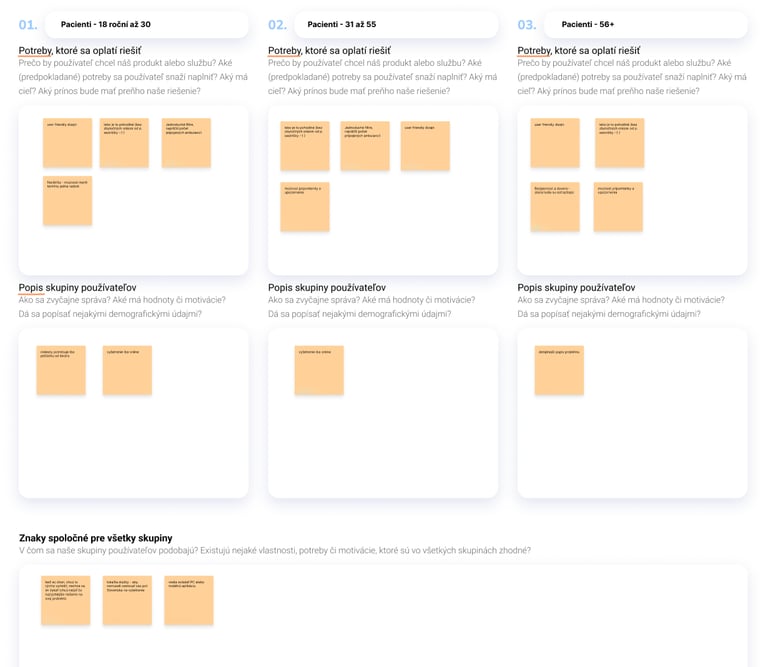
Example of early user personas and their needs.
Research
We explored how patients in Slovakia find and book doctors through user interviews and workshops. Most rely on phone calls or multiple websites with outdated information.
Methods:
Desk research and content inventory
User interviews (3 respondents, various age groups)
Affinity mapping and insight synthesis
Persona and user journey creation
Competitive analysis
Key insights:
Patients need fast, accurate information: availability, hours, contact
They prefer direct online booking over phone calls
Clear, minimal design builds trust in a healthcare context
Older users need accessibility and simplicity
Example of early user personas and their needs.
Define
We used three user personas: young adults, parents, and older users. All shared the same frustration. Booking a doctor in Slovakia is unnecessarily complicated.
How might we...
Help patients find a doctor by specialization, location and availability?
Make booking simple enough for any age group?
Give patients confidence their appointment is confirmed?
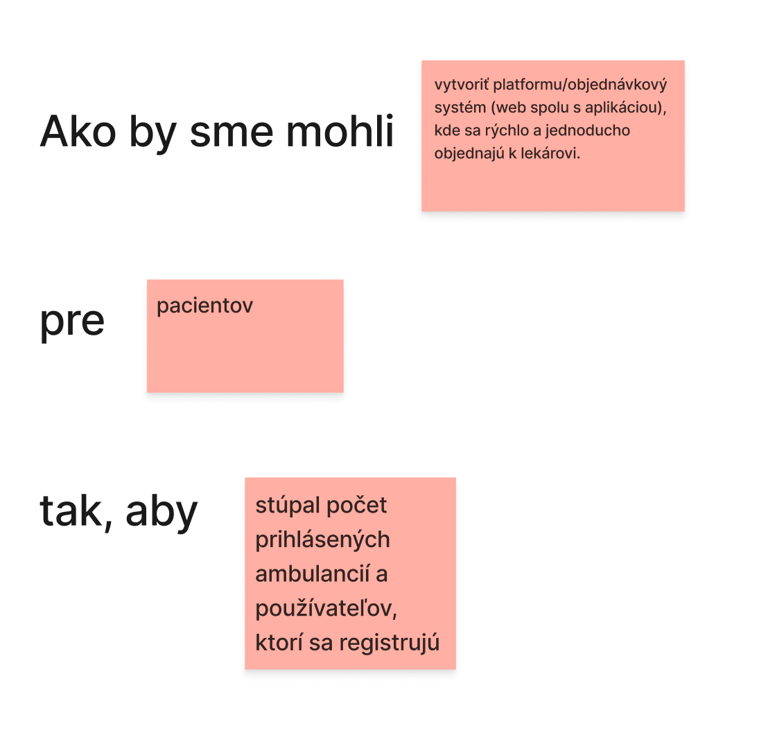
How Might We questions
Define
We used three user personas: young adults, parents, and older users. All shared the same frustration. Booking a doctor in Slovakia is unnecessarily complicated.
How might we...
Help patients find a doctor by specialization, location and availability?
Make booking simple enough for any age group?
Give patients confidence their appointment is confirmed?
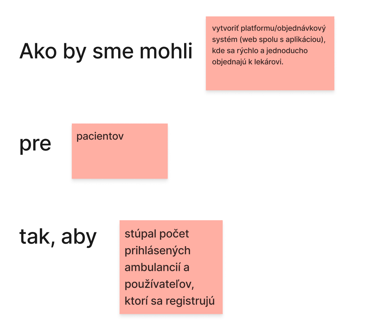
How Might We questions
Ideate
During brainstorming part we discussed:
Needs: overview of available doctors, waiting lists, reminders, reviews
Frustrations: long waiting times, unclear booking flows, outdated tools
Behaviors: users abandon booking if the process feels confusing
Solution Concepts
Central calendar with real-time availability
Notifications for cancelled or new slots
Reviews and trust ratings for each clinic
Filtering by specialization, location, or type
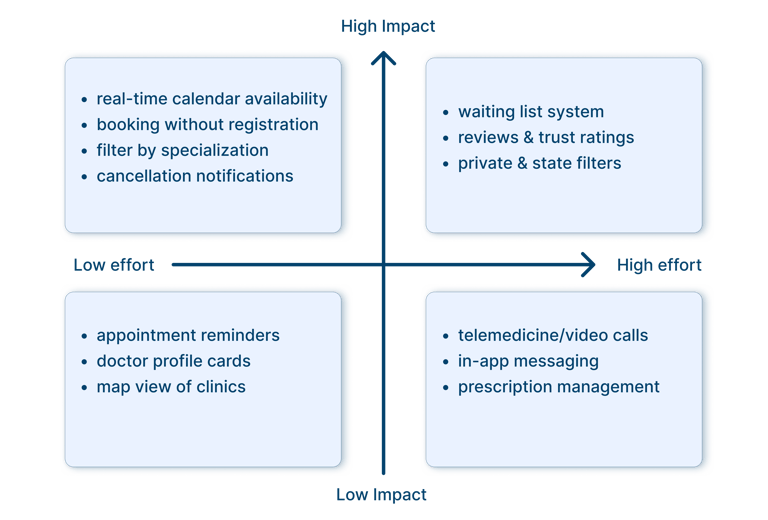
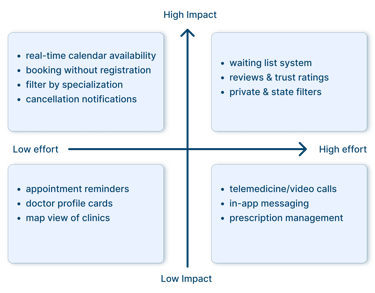
Impact/Effot Insights
Ideate
During brainstorming part we discussed:
Needs: overview of available doctors, waiting lists, reminders, reviews
Frustrations: long waiting times, unclear booking flows, outdated tools
Behaviors: users abandon booking if the process feels confusing
Solution Concepts
Central calendar with real-time availability
Notifications for cancelled or new slots
Reviews and trust ratings for each clinic
Filtering by specialization, location, or type
Impact/Effot Insights
Prototype
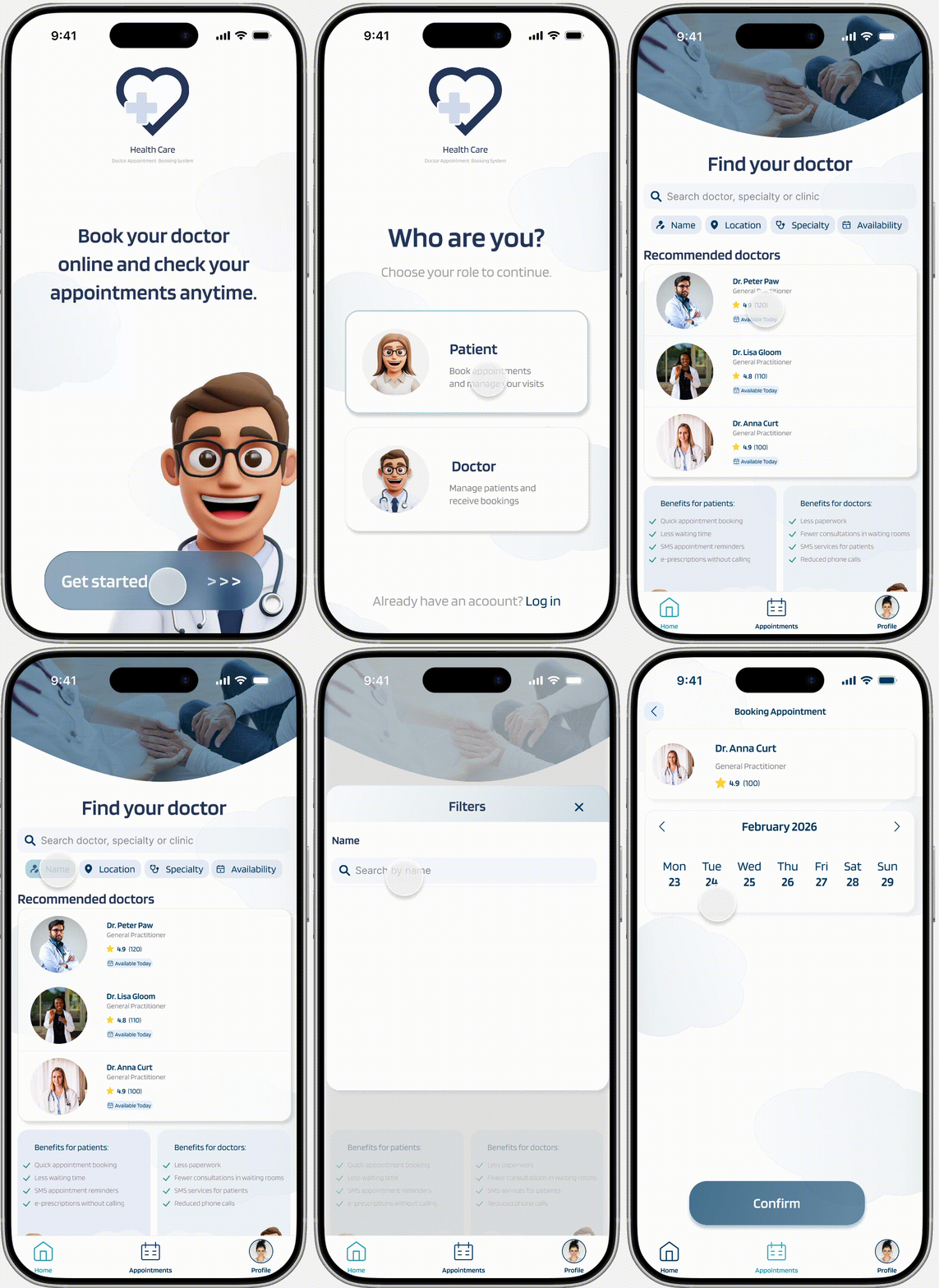
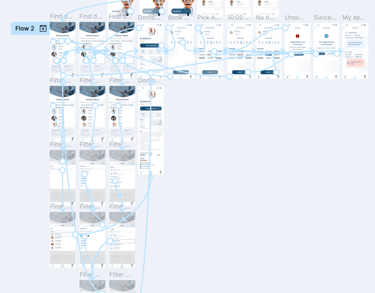
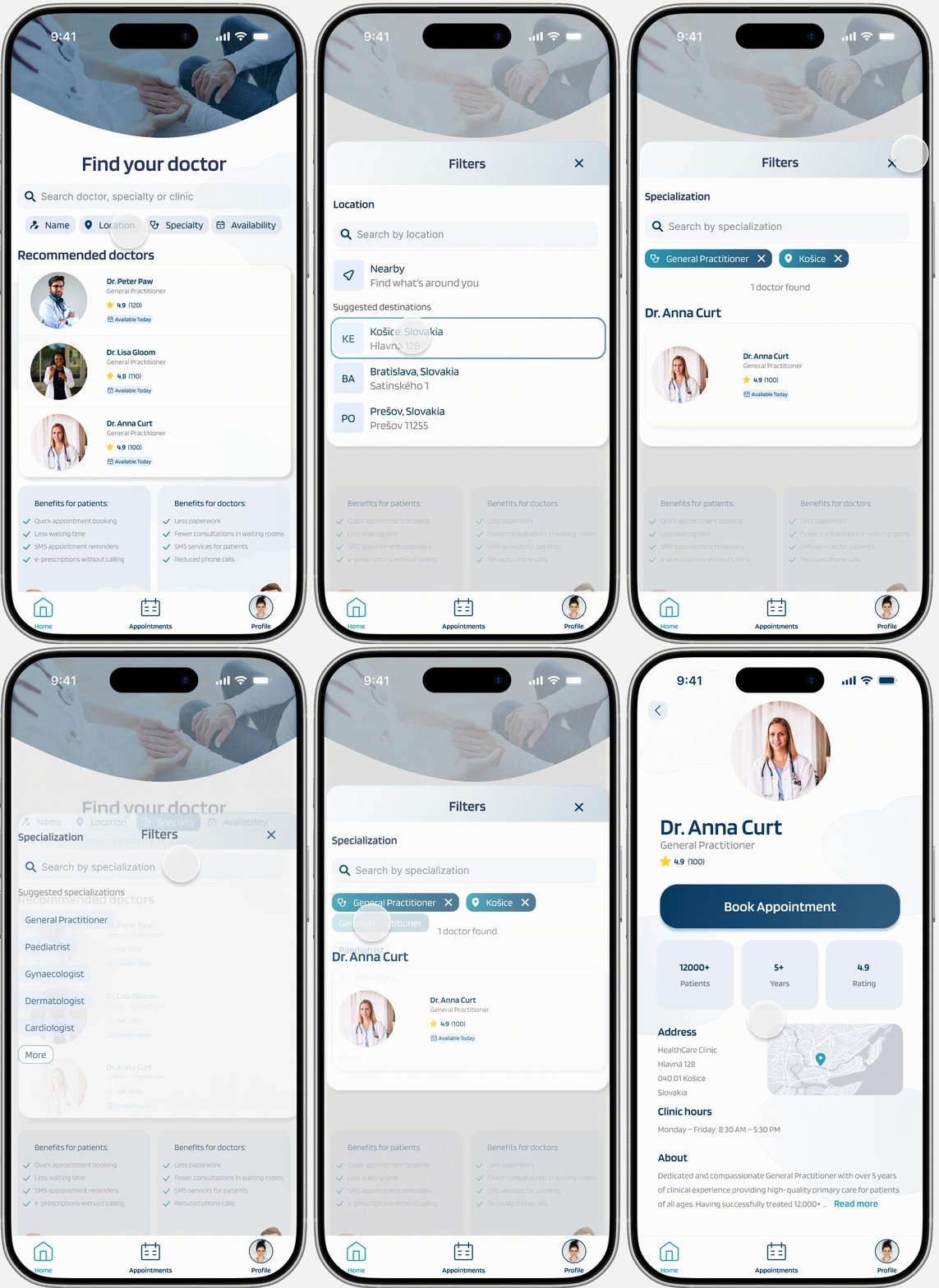
I designed a clickable prototype in Figma.
Main Flow
Select if you are a patient or a doctor
Choose a recommended doctor or apply filters
Choose the doctor
Book the available date and time slot
Successful/unsuccessful confirmation
Check your appointments
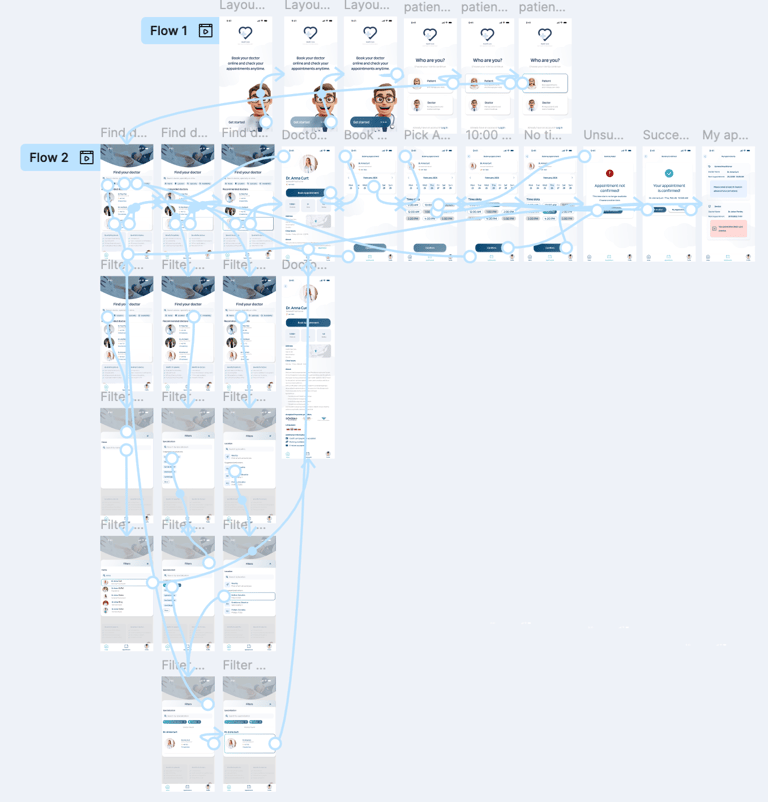
Prototype
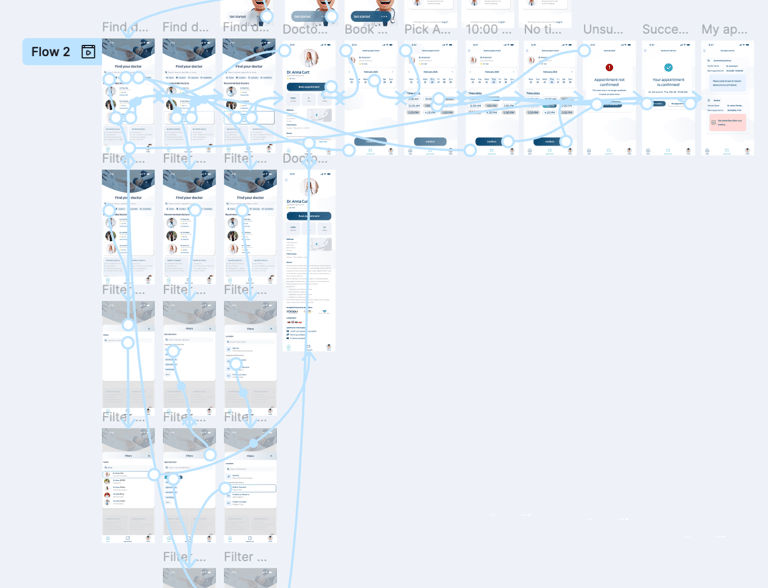
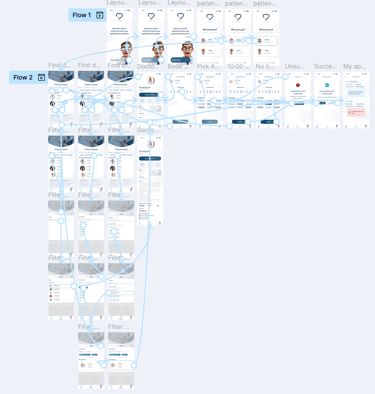
I designed a clickable prototype in Figma.
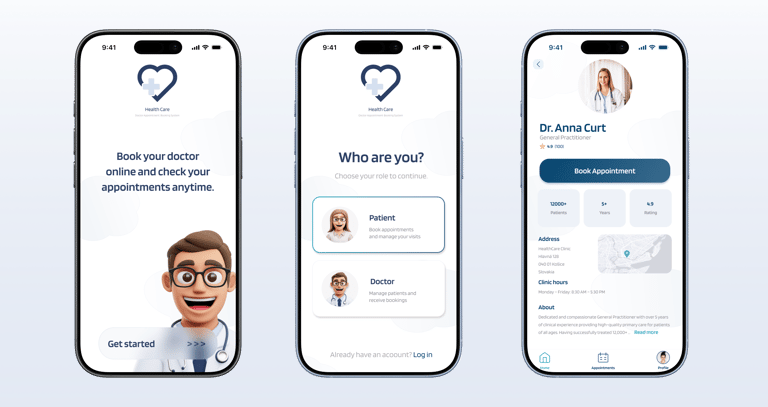
Main Flow
Select if you are a patient or a doctor
Choose a recommended doctor or apply filters
Choose the doctor
Book the available date and time slot
Successful/unsuccessful confirmation
Check your appointments
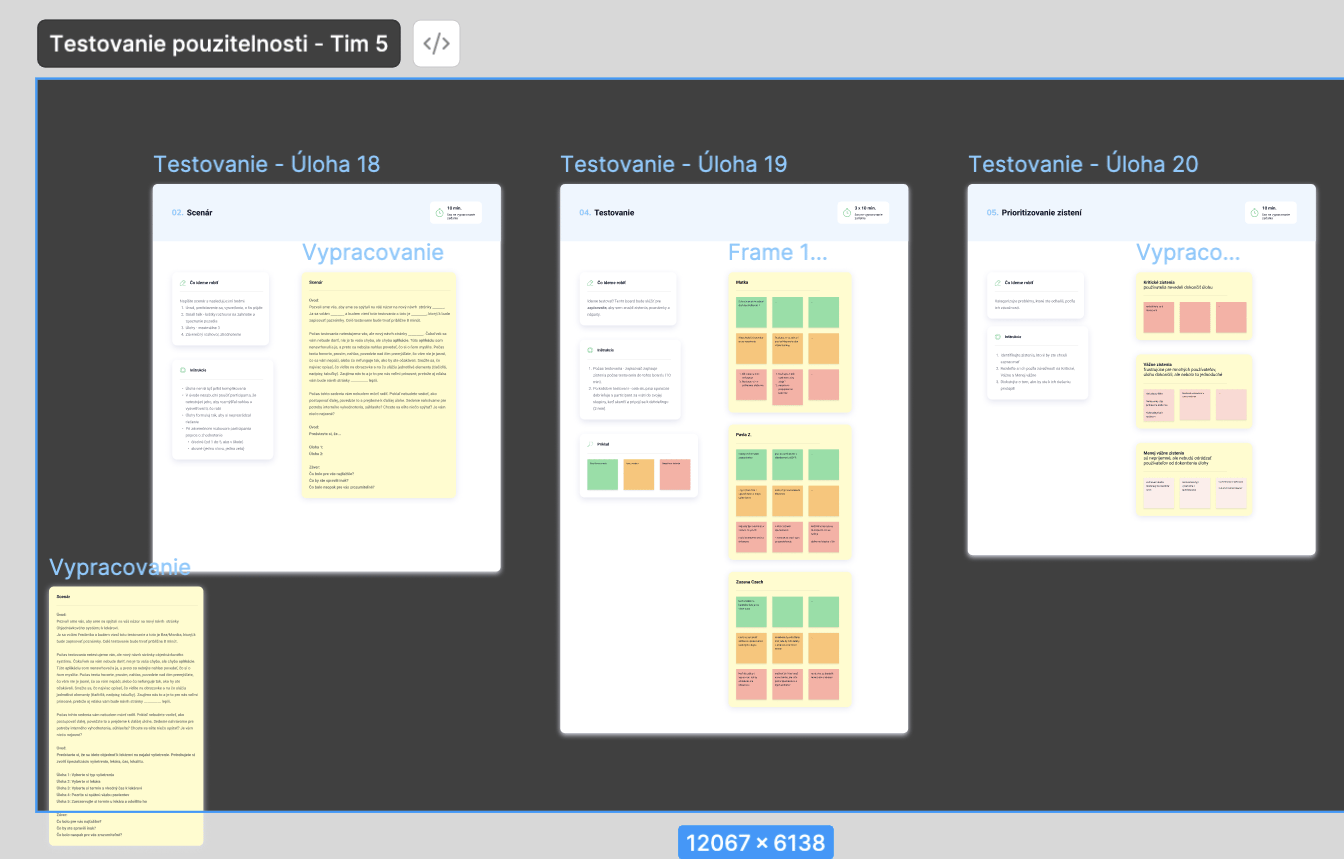
Usability Testing
To validate our prototype, we conducted rotational usability testing in groups. Each participant took turns as:
Moderator — guided the session and asked questions
Note-taker — captured insights and behaviors
Respondent — completed tasks on another team’s prototype
Findings
Flow was clear and intuitive.
Users wanted better visual cues for available slots.
Filters by distance and specialization improved usability.
Usability Testing
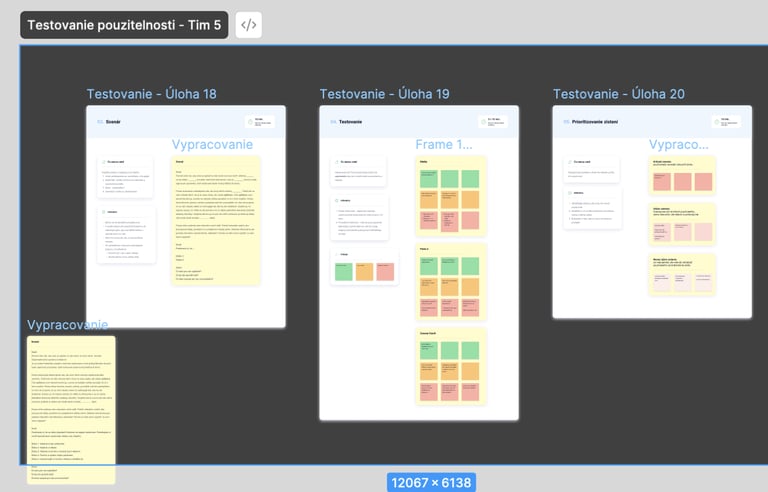
To validate our prototype, we conducted rotational usability testing in groups. Each participant took turns as:
Moderator — guided the session and asked questions
Note-taker — captured insights and behaviors
Respondent — completed tasks on another team’s prototype
Findings
Flow was clear and intuitive.
Users wanted better visual cues for available slots.
Filters by distance and specialization improved usability.
Results & Learnings
The most difficult part was the research part and teamwork. I needed to learn new methodologies, present my ideas clearly, listen to other teammates with whom I didn't aggre and come to a conclusion
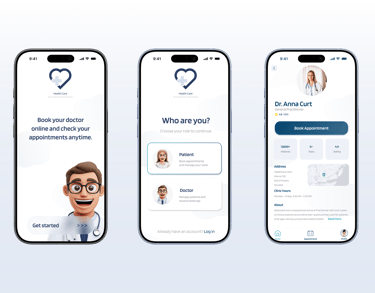
Prototyping interactions took the most iterations. At the course, we used usability testing with 3 people. After redesigning the app I tested it with 6 users across 3 rounds.
What I'do differently now:
deepen the research phase
spend more time on the booking flow and calendar interactions
Results & Learnings
The most difficult part was the research part and teamwork. I needed to learn new methodologies, present my ideas clearly, listen to other teammates with whom I didn't aggre and come to a conclusion
Prototyping interactions took the most iterations. At the course, we used usability testing with 3 people. After redesigning the app I tested it with 6 users across 3 rounds.
What I'do differently now:
deepen the research phase
spend more time on the booking flow and calendar interactions